


AudioVideo2go
Cadillac Escalade fit Wireless Entertainment Headphones for 2022 2023 2024 2025 2026 years
Cadillac Escalade fit Wireless Entertainment Headphones for 2022 2023 2024 2025 2026 years
Couldn't load pickup availability
Set of TWO for 2 users!
- COMPATIBLE - These wireless headphones will work for you, period. High quality sound means you wont have to worry about latency (the sound of the dialogue will match the lips of the actors perfectly).
- DURABLE - Our rear seat entertainment headphones will last you years of use. We have kids too, and we know how rough they can be with their stuff. They even fold for easy storage!
- AFFORDABLE - The kids will eventually use these headphones for a game of horseshoes. When they lose 'em, don't worry - they didn't cost you an arm-and-a-leg. We've got you covered. We're parents too...
- BATTERY SAVER - Rechargeable battery provides up to 57 hours of playback.
- KID FRIENDLY - Light weight for comfort. The adjustable band's smallest setting is perfect for front-facing kids. The largest setting is great for adults!
- LEASE COMPANY ACCEPTED - When it's time to turn in your lease or trade in your car, make sure you don't get dinged for returning old worn headphones.
Need to replace the missing or damaged wireless entertainment headphones in your car? Our Wireless headsets are made to work with YOUR car. The headphones are light weight for the comfort of younger users, and adjustable, to fit children aged 3 and over. The heavy duty automotive grade plastic folds flat for storage but is strong enough to survive the harsh environment of your car ensuring years of use.
Step‑by‑step easy pairing instructions:
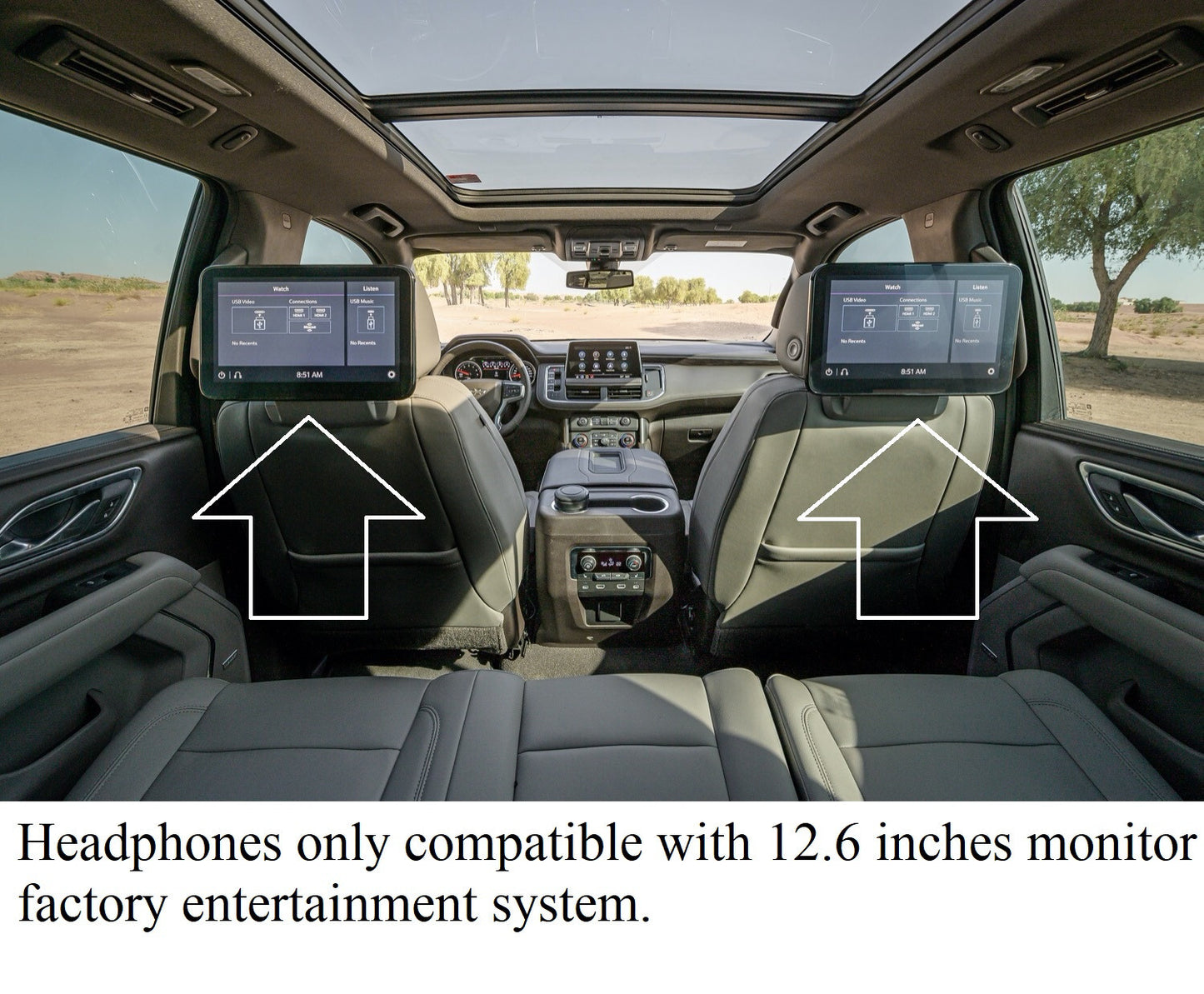
- Prepare the Escalade RSE
- Turn the vehicle to ACC or ON so the Rear Entertainment System has power.
- Turn on the rear screens and open the RSE Home/Menu. Go to Settings → Headphones / Bluetooth → Pair / Add
-
Put the AudioVideo2go headphones into pairing mode
- If the headset is on, power it off first.
- Press and hold the power button for about 5 seconds until the LED indicates pairing mode. The headset becomes discoverable while the LED flashes.
-
Find and select the AudioVideo2go headphones on the RES Screen
- On the RES device list, wait for “JTune 520” (or similar) to appear.
- Select that entry to start pairing. Confirm any prompts on the RES.
-
Complete pairing and verify audio
- Once paired, the RES should show the headphones in the paired devices list — select them as the active output if required.
- Play media on the RES and verify sound comes through the AudioVIdeo2go headphones.
- You can pair up to TWO headphones per screen (for a total of 4 headphones in the vehicle)
Share


Your satisfaction is our top priority.
- CUSTOMER NAME HERE -
-
Contact us!
We want to help! If anything goes wrong, please contact us and let us know so we can make it right.
-
Fast Free Shipping
We offer FedEx 2nd day service for an additional fee, but most customers get our free shipping within 5 business days.
-
Compatibility
We make sure that you get a product that is compatible with your vehicle. With two decades of experience you can count on us.
-
Top Quality
We don't sell anything we wouldn't want to use ourselves. We stand behind our quality and craftsmanship.